




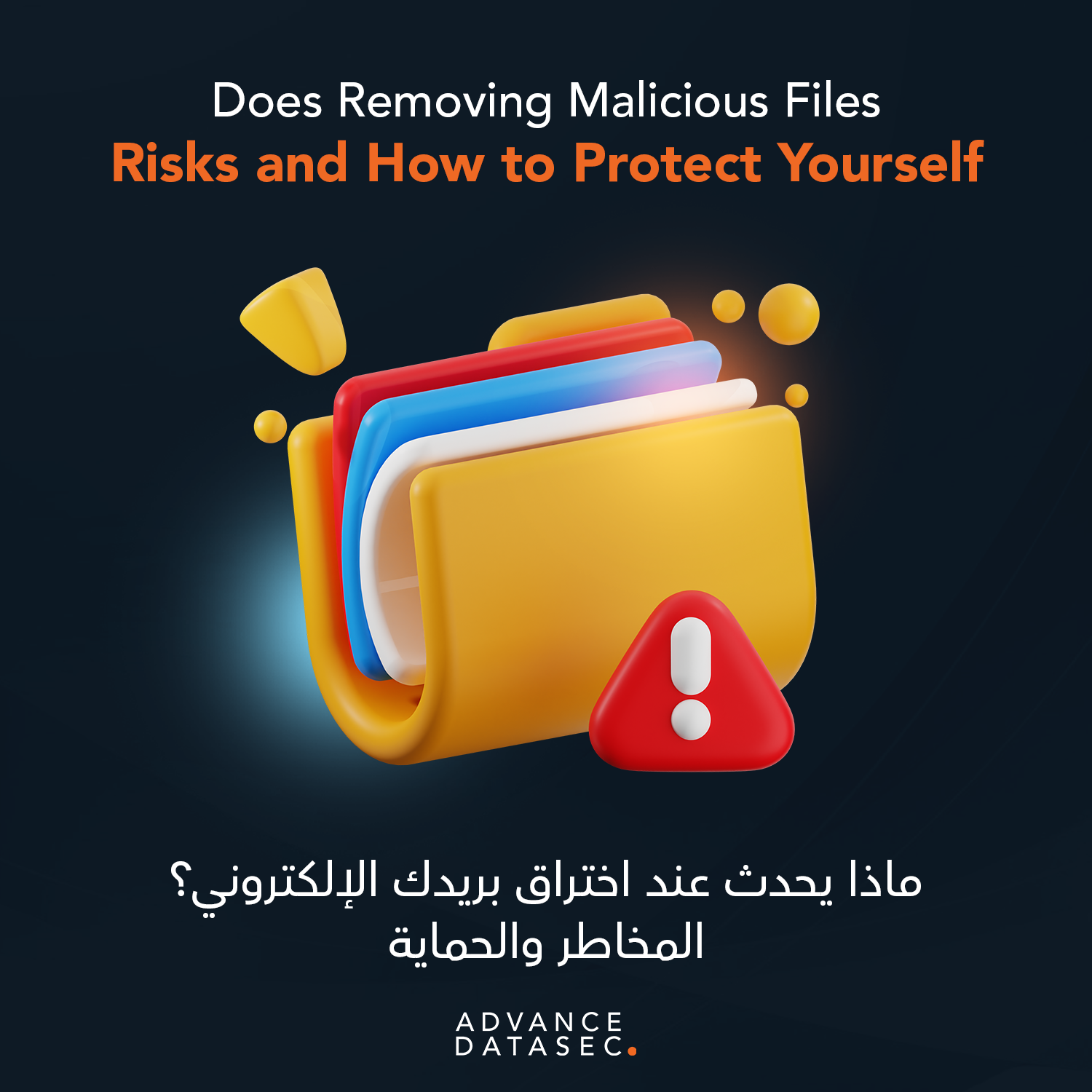
In the modern digital landscape, the threat of cyberattacks is no longer a matter of “if,” but “when.” As individuals and businesses in Saudi Arabia and globally become more reliant on digital infrastructure, the presence of malware has become a persistent shadow. One of the most common questions users ask when they suspect a breach is: Does removing malicious files protect your device from hacking?
The short answer is: it’s a critical first step, but it is rarely the end of the journey. Simply hitting “delete” on a suspicious file doesn’t always close the door on a sophisticated hacker. To truly secure your digital environment, you need a deeper understanding of how modern threats operate and why comprehensive cybersecurity is essential.
The Illusion of Safety: Why Deleting a File Isn’t Enough
Many users believe that by Removing Malicious Files, they have effectively neutralized the threat. While this action stops that specific piece of code from executing further, it often fails to address the “residue” left behind by modern cyberattacks.
1. Persistent Backdoors
Advanced hackers don’t just drop a single file; they often install “backdoors.” These are hidden entry points that allow them to re-access your system even after the original malware is gone. If you focus solely on Removing Malicious Files without performing a full system audit, the attacker might still have a key to your digital front door.
2. System Configuration Changes
Malware often alters your system settings. It might disable your firewall, change registry keys, or alter DNS settings to redirect your traffic to malicious servers. Even after Removing Malicious Files, these compromised settings remain, leaving your device vulnerable to secondary infections.
3. Latent Payloads
Some malicious software acts as a “dropper.” Its only job is to download other, more dangerous software. You might find and delete the dropper, but the secondary malware—perhaps a keylogger stealing your banking credentials—could already be hidden deep within your operating system.
The Lifecycle of a Hack: Beyond the File
To understand why Removing Malicious Files is only part of the solution, we must look at how a hack actually functions. Cybersecurity experts at Advance Datasec categorize these threats into stages.
- Infiltration: The file enters your system via phishing, a compromised website, or an unsecured network.
- Execution: The file runs, often without your knowledge.
- Persistence: The malware ensures it stays active even after a reboot.
- Exfiltration: Data is stolen and sent to a remote server.
If you catch the malware during the “Execution” phase, Removing Malicious Files can prevent “Exfiltration.” However, if the hacker has already moved to the “Persistence” phase, your device remains a playground for unauthorized access.
How to Properly Secure a Compromised Device
If you suspect your device has been targeted, follow these industry-standard steps to ensure total protection:
Step 1: Isolation
Disconnect the device from the internet immediately. This prevents the malware from communicating with the hacker’s command-and-control server and stops the theft of your data.
Step 2: Deep Scanning and Removing Malicious Files
Use a reputable, professional-grade antivirus or EDR (Endpoint Detection and Response) tool. These tools are designed for more than just surface-level deletion; they look for the “fingerprints” of malware across your entire system.
Step 3: Password Hygiene
Once the device is clean, change every password that was accessed from that device. This includes your email, banking, and corporate logins. Remember, if a keylogger was present, your passwords are now in the hands of the attacker.
Step 4: Software Updates
Hackers exploit vulnerabilities in outdated software. Ensure your operating system and all applications are patched to the latest versions to close the gaps that allowed the malware in the first place.
Why Businesses Need Professional “Compromise Assessments”
For a business in Saudi Arabia, a single infected workstation can lead to a massive data breach. Individual file deletion is insufficient for corporate security. This is why Advance Datasec emphasizes the importance of Compromise Assessments.
Unlike a standard virus scan, a Compromise Assessment is a thorough investigation of your network to find evidence of past or ongoing unauthorized activity. It answers the questions that a simple scan cannot: How did they get in? What did they take? Are they still there?
The Advance Datasec Approach to Total Device Protection
At Advance Datasec, we believe that reactive security—only acting after you find a virus—is a recipe for disaster. Our suite of services is designed to provide 360-degree protection for your digital assets.
- Defensive Security: We provide 24/7 monitoring and Incident Response services. If an infection occurs, our team doesn’t just stop at Removing Malicious Files; we perform digital forensics to ensure the threat is completely eradicated.
- Offensive Security: We act like the hackers to find your weaknesses. Through Vulnerability Assessments and Penetration Testing, we identify the holes in your defense before a malicious file ever reaches your device.
- Managed Detection & Response (MDR): Our team utilizes advanced EDR and NDR (Network Detection and Response) tools to spot anomalies that traditional antivirus software misses.
Conclusion: Prevention is Better Than Cure
While Removing Malicious Files is a necessary part of maintaining a healthy device, it is not a magic bullet against hacking. True security requires a multi-layered strategy that includes robust firewalls, employee awareness training, and professional security audits.
In the rapidly evolving threat landscape of the Middle East, staying secure requires a partner who understands the local and global nuances of cyber warfare. Don’t leave your sensitive data to chance.
Secure Your Digital Future Today
Is your organization truly protected, or are you just deleting files and hoping for the best? At Advance Datasec, we offer the expertise and technology needed to safeguard your business against even the most sophisticated cyber threats. Whether you need a comprehensive Compromise Assessment, GCR Consultation, or Secure Software Development, we are here to ensure your continuity.
Take the first step toward total security. Contact Advance Datasec today for a free consultation and let us build your digital fortress.
Visit Advance Datasec | Request a Quote